
Exchange Guides
How to Sign Up for OKX: Registration, KYC & Referral Code (2026)
A step-by-step OKX sign-up guide: choose your region, verify email and phone, complete KYC, secure your account, and check referral terms.
Disclosure: This guide contains a referral link to OKX. If you register through it, ucneo may earn a commission at no extra cost to you. Any referral reward, fee discount or promotion depends on OKX's current terms, your region and your eligibility. Educational content only — not financial advice. Crypto trading carries risk, including the possible loss of your capital.
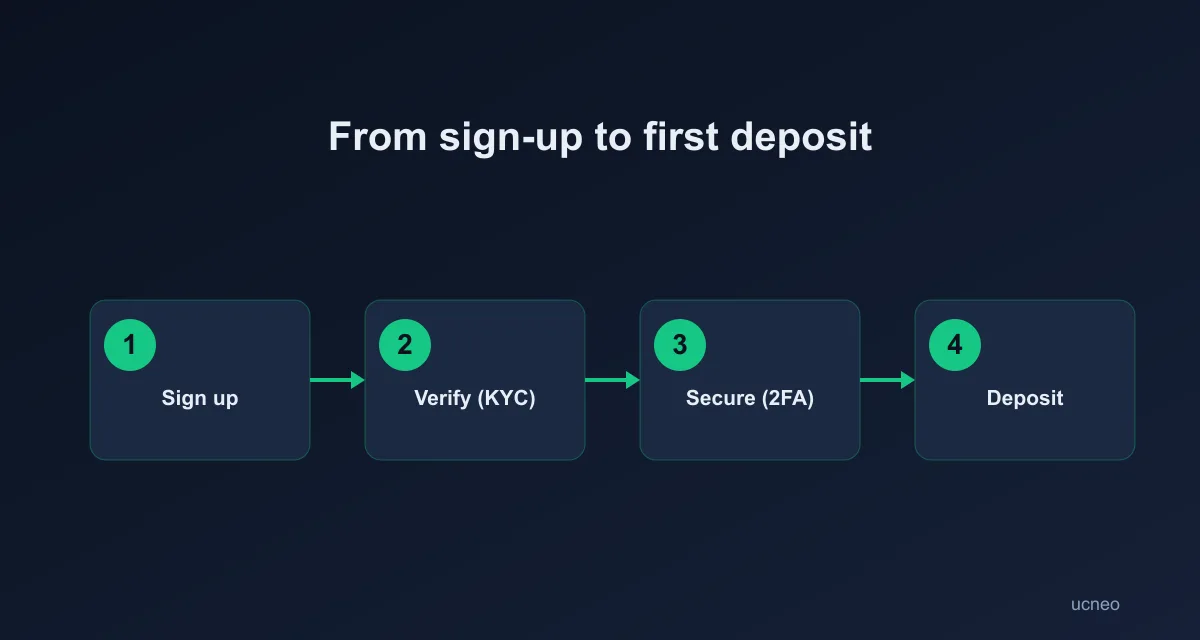
If you are searching for how to join OKX, the process is straightforward: check that OKX supports your country or region, create an account with your email and phone number, complete identity verification, then secure the account before depositing or trading. This guide explains each step and what to check when using a referral code.
Before you sign up
Prepare:
| What you need | Why it matters |
|---|---|
| An email address you control | OKX uses it for verification, notifications and account recovery |
| A working phone number | You may need to bind and verify it during registration |
| A valid identity document | Required for identity verification where applicable |
| An authenticator app | Recommended for stronger two-factor authentication |
| Your actual country or region | Product access and registration rules vary by location |
Do not use someone else's identity information or try to bypass regional restrictions. Check the terms and availability shown by OKX during registration.
How to register an OKX account
Step 1: Open the official OKX sign-up page
Use the official okx.com domain or the official OKX app. Avoid search ads, copied pages and messages that ask for your password or verification code.
You can use this referral link to start: Sign up for OKX.
Step 2: Select your country or region
Choose the country or region where you currently reside. Read the terms of service, risk and compliance disclosures, and privacy notice before continuing.
If OKX does not offer the service you need in your region, do not enter false information or use a VPN to bypass the restriction. Check the local version of the official OKX site or use a platform legally available to you.
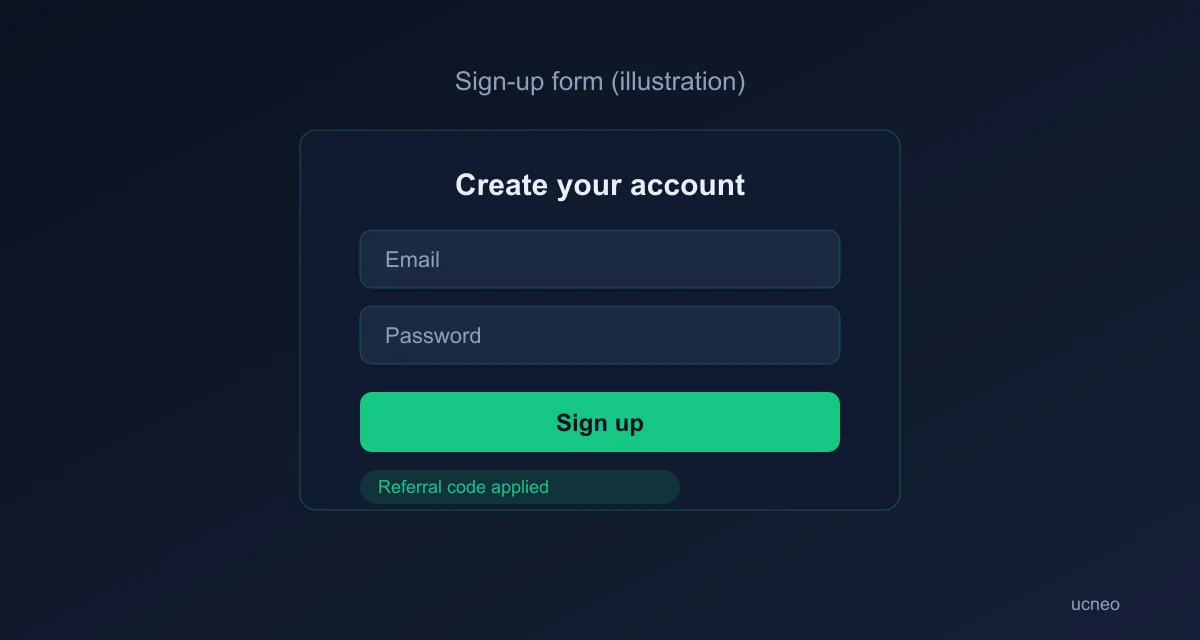
Step 3: Enter your email and referral code
Enter an email address that you can access. OKX may also ask you to bind a phone number.
A referral code is optional for creating an account. If you use a referral link or have a code, check that it appears correctly before completing registration. OKX states that referral relationships must be established during sign-up; you generally cannot add or change the code after the account has been created.
Step 4: Verify your email and phone number
Enter the verification codes sent by OKX. Use contact details that you control long term, because they may be needed for login alerts, recovery and security checks.
Never share a verification code with another person. OKX support should not need your one-time code to “unlock” an account.
Step 5: Complete identity verification
After registration, follow the in-account instructions for identity verification. You may be asked for an identity document, a face check or additional information depending on your region and account activity.
OKX says that unverified accounts may not be able to access core services such as buying or selling crypto, depositing or withdrawing assets. Requirements and review times can vary, so rely on the status shown in your OKX account rather than a fixed time estimate.
Step 6: Secure the account before depositing
Before adding funds:
- Create a long, unique password.
- Turn on two-factor authentication with an authenticator app where available.
- Set an anti-phishing code if the feature is available to you.
- Review login, device and withdrawal-security settings.
- Bookmark the official OKX domain instead of using links from unsolicited messages.
A referral discount does not reduce market risk and is not a reason to trade more than you can afford to lose.
How OKX referral codes and rewards work
Referral programs are promotional programs, not guaranteed benefits. The reward, task requirements, eligible products and expiration rules can change by region and campaign.
If you register through a referral link:
- Confirm that the referral code or referral relationship is shown during sign-up.
- Complete any required identity verification.
- Read the current offer in the OKX referral or rewards section.
- Complete only the tasks you understand and would otherwise choose to do.
Do not create multiple accounts, use another person's identity, or trade solely to chase a promotion. If the referral link does not open, OKX's help guidance says you may be able to register in the app and enter the code manually, subject to the current program rules.
Common OKX sign-up problems
The verification email or SMS did not arrive. Check the address and country code, look in spam, wait before requesting another code, and confirm that your network can receive messages.
My country is not listed. Do not select a different country. Check OKX's official regional site and local rules, or choose a service available in your location.
The referral code is missing. Stop before completing registration and check the code field or referral relationship. Codes may not be added later.
KYC is taking longer than expected. Check the verification status and any request for additional documents inside your OKX account. Do not send identity documents to an unofficial support account.
The registration link looks suspicious. Close it and open okx.com manually. Never enter a password, recovery phrase or one-time code on a page reached from an unsolicited message.
FAQ
Is a referral code required to create an OKX account?
No. It is optional for registration, but any referral relationship must be established during sign-up if you want to participate in an applicable promotion.
Do I need KYC to use OKX?
The services available before and after identity verification depend on your region and account status. OKX states that unverified accounts may be restricted from core activities such as buying, selling, depositing and withdrawing.
Can I change the referral code after registering?
Usually not. Check the code before completing account creation and confirm the current OKX terms for your region.
Can I register from a phone?
Yes, if the official OKX app or mobile site is available in your region. Use the same checks: correct country, controlled email and phone, official app or domain, and accurate identity information.
Is OKX safe to use?
No exchange removes all custody, platform or market risk. Use strong account security, start with an amount you can afford to lose, and review the current OKX terms and availability before using the service.
Educational content only. Not financial advice. Verify current registration, regional availability and referral terms on official OKX pages. Last reviewed: August 2026.